QtEmu has been tested on Linux, FreeBSD and Windows (2k, XP).
QtEmu is available in the following languages:
- English
- Czech
- German
- Russian
- Spanish
- Turkish
- French
- Italian
- Brazilian Portuguese
- Polish

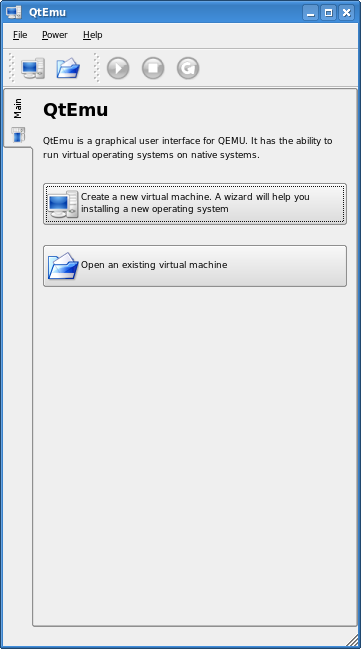
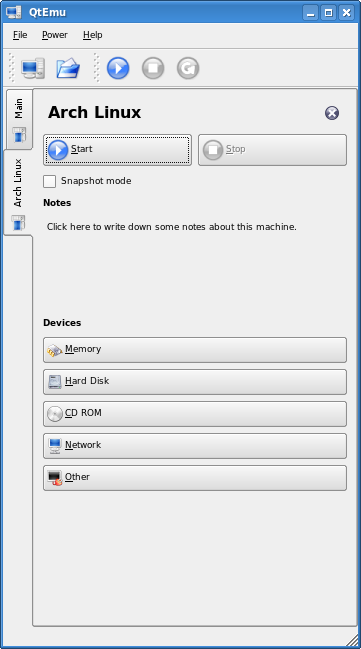
You can find source code packages (releases) and also binaries for Windows on the SourceForge.net download site.
Source code location: https://github.com/uwolfer/qtemu.
Please note: this project is not actively maintained anymore. You might want to take a look at a fork: https://gitlab.com/carlavilla/Qtemu/.
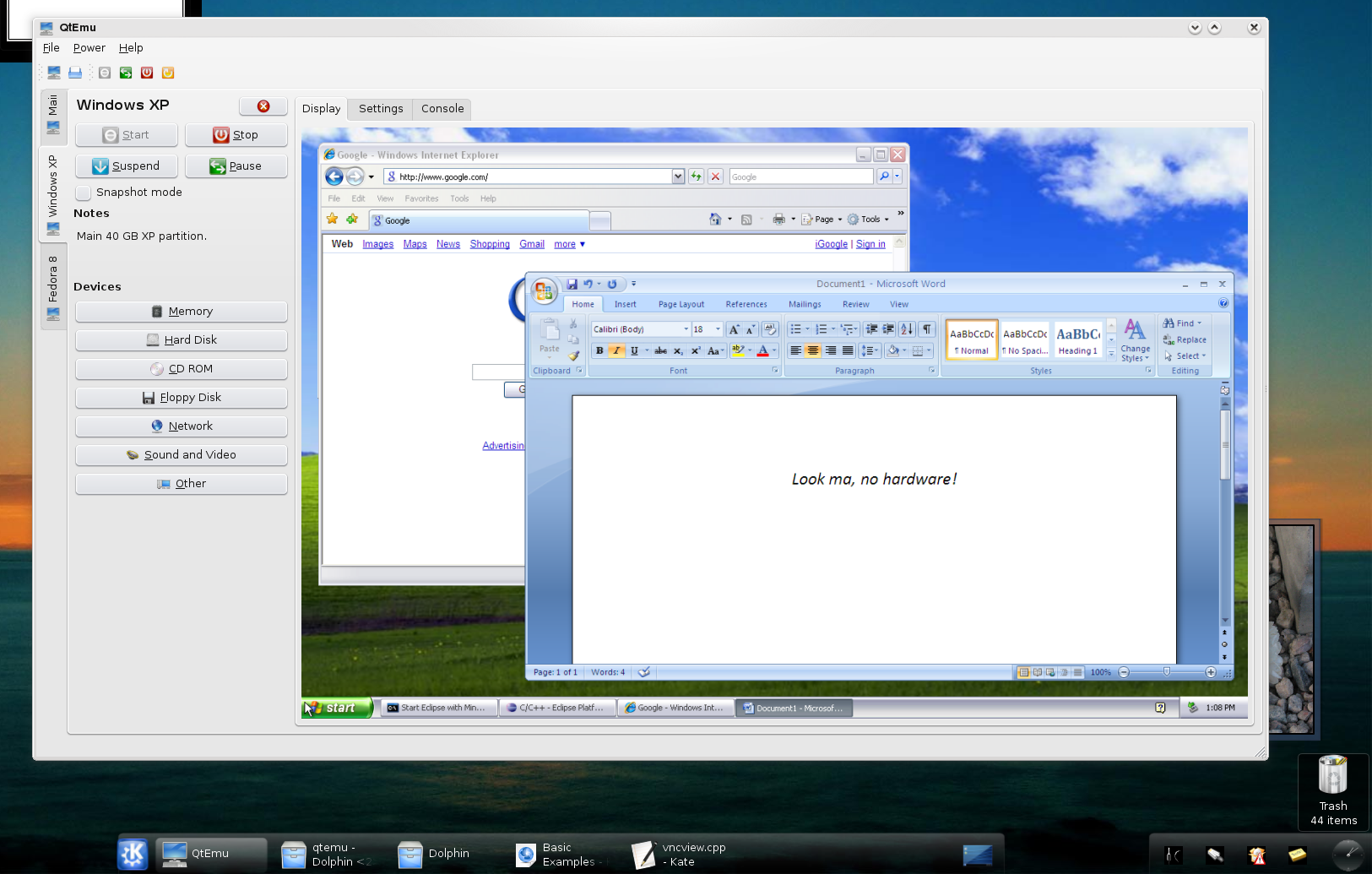
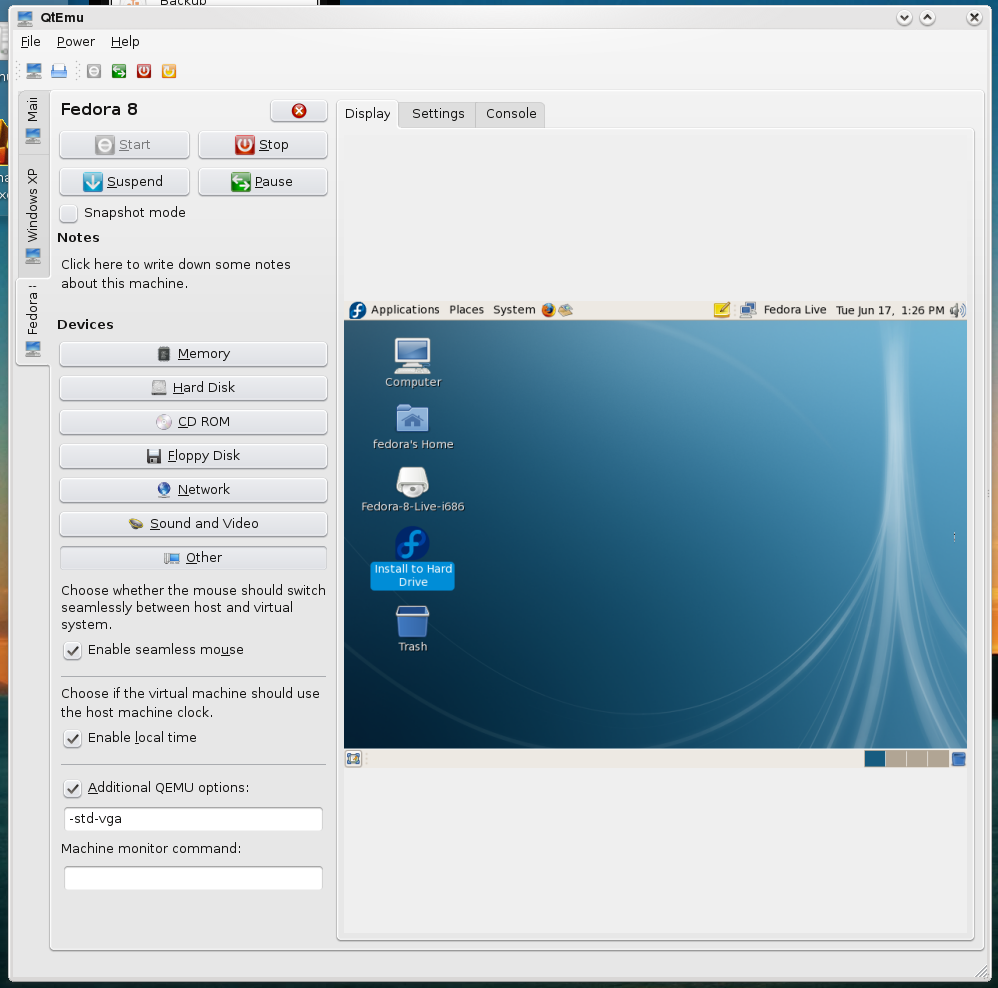
Screenshots running current Git version.
Version 1.0.5
=============
Features:
* Option for custom network settings. Patch by Dawit Alemayehu >adawit at kde dot org>. Thanks!
* Possibility to set additional options which are not covered by QtEmu (e.g. "--kernel-kqemu"). Patch by Dawit Alemayehu >adawit at kde dot org>. Thanks!
* Sound configuration.
* Poslish translation by Milosz Galazka <milosz at sleeplessbeastie dot eu> and Grzegorz Gibas <amigib at wp dot pl>. Thanks!
* Brazilian Portuguese translation by Jackson Miliszewski <jackwski at brturbo dot com dot br>. Thanks!
Fixes:
* Code optimization (Mosty detected by KDE Krazy check).
* Initialize all variables in machineprocess.*. Patch by Dawit Alemayehu <adawit at kde dot org>. Thanks!

Version 1.0.4
=============
Features:
* Manifest file added in order to see everywhere Win styles (e.g. file dialogs) (patch by Cristian Adam)
* French translation by Fathi Boudra <fboudra at free dot fr>. Thanks!
* Italian translation by Gianluca Cecchi <gianluca dot cecchi at gmail dot com>. Thanks!
* Add confirmation before closing a machine. Also inform the user that he can open the machine again.
* Add information about possible performance loose with seamless mouse mode.
* Add support for icon themes.
* Add KDE Oxygen icon theme. QtEmu fits now better in a KDE4 desktop. Please see images/oxygen/COPYING
  for license information.
Fixes:
* Allow compilation with Qt 4.1 again. Patch by Mandrake.

Version 1.0.3
=============
Features:
* Floppy Disk support
* Czech translation by excamo <excamo at gmail dot com>. Thanks!
* Spanish translation by Manolo Valdes <nolis71cu at gmail dot com>. Thanks!
Fixes:
* Remove Qt 4.1 support code, it does not compile there anyways.
  Add a configure check (in cmake) for Qt 4.2 (patch by Gwenole Beauchesne / Laurent Montel).
* Fix compilation on other systems than Linux and Windows (e.g. BSDs)

Version 1.0.2
=============
Features:
* Possibility to change the QEMU start command (e.g. for 64 bit executable "qemu-system-x86_64")
* Possibility to execute before start or after exit of QEMU shell commands (only experimental!)
* Turkish translation by Necmettin Begiter <begiter at gmail dot com> and
  Ugur Cetin <jnmbk at users.sourceforge dot net>. Thanks!
* Russian translation by Vasily Cheremisinov <cheremv at alefgroup dot ru>. Thanks!
Fixes:
* Save state of network option
* Respect snapshot setting after start of QtEmu

Version 1.0.1
=============
Features:
* Support for VMWare hard disk images (*.vmdk)
* Support for QEMU *.qcow hard disk images
Fixes:
* Focus problem on machine tabs